Free blank coloring bookmark PDFs
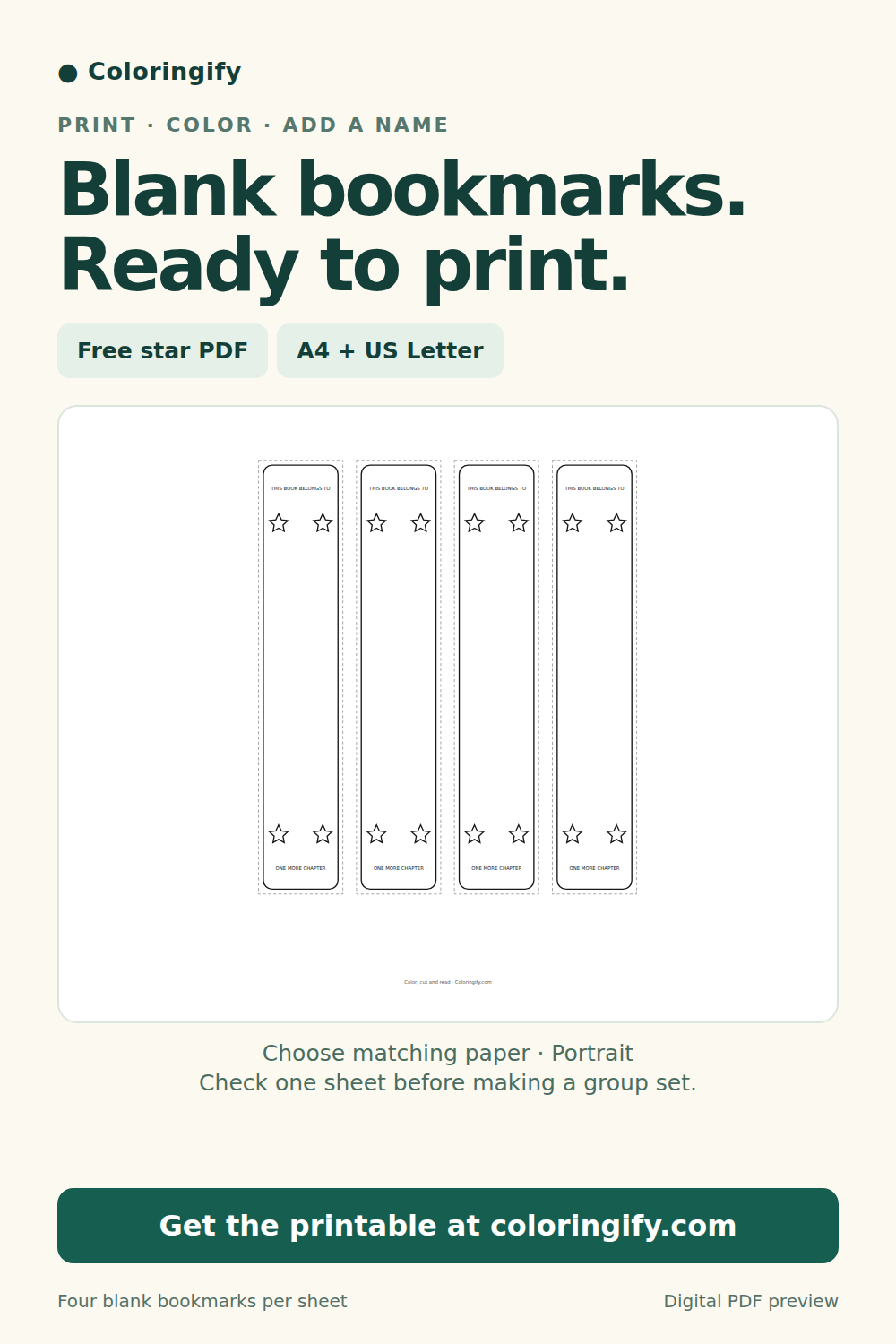
Want a ready-made sheet without editing? Download four original star bookmarks with a blank space for a handwritten name. Each file is one page. Choose the version that matches your printer paper.
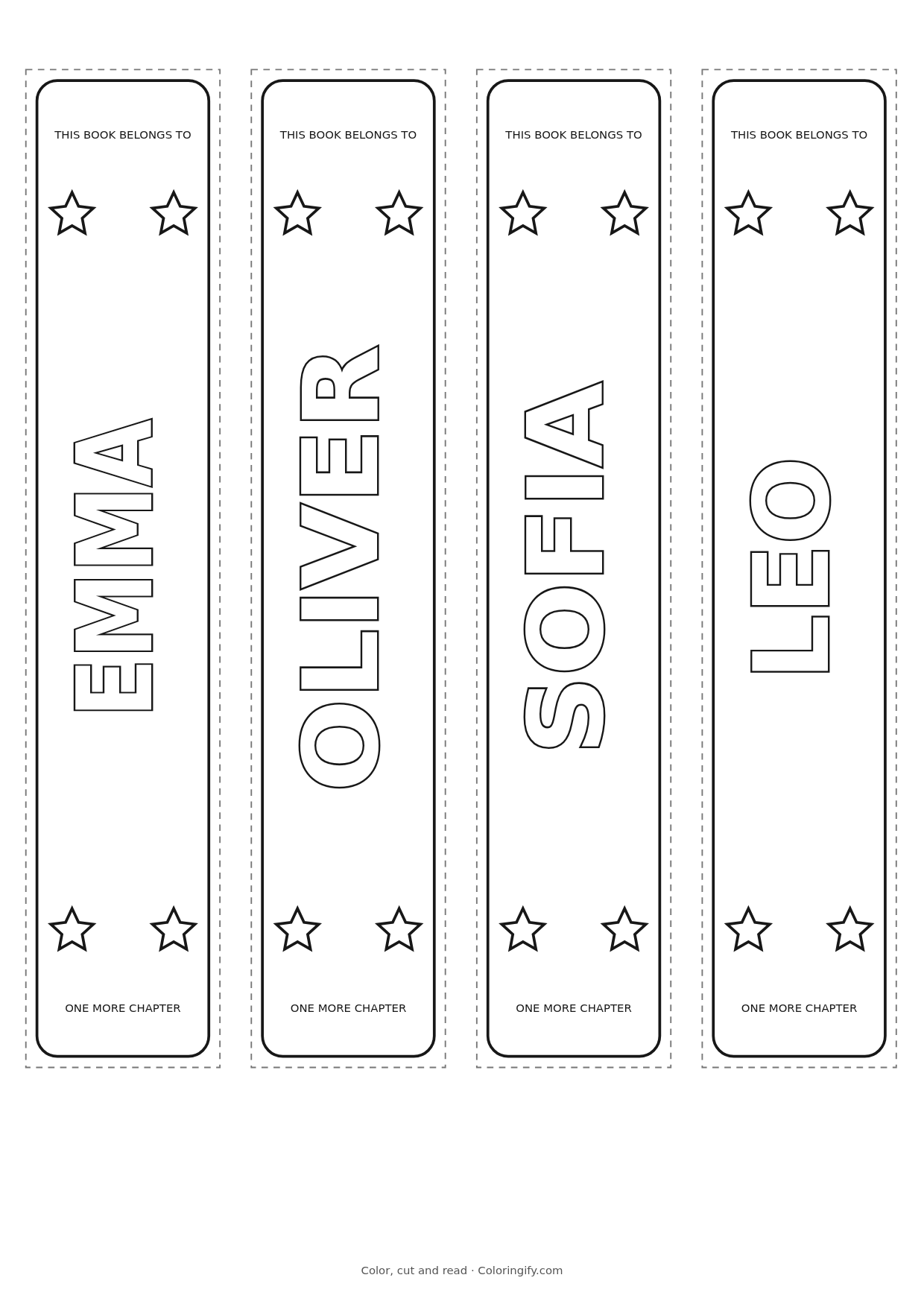
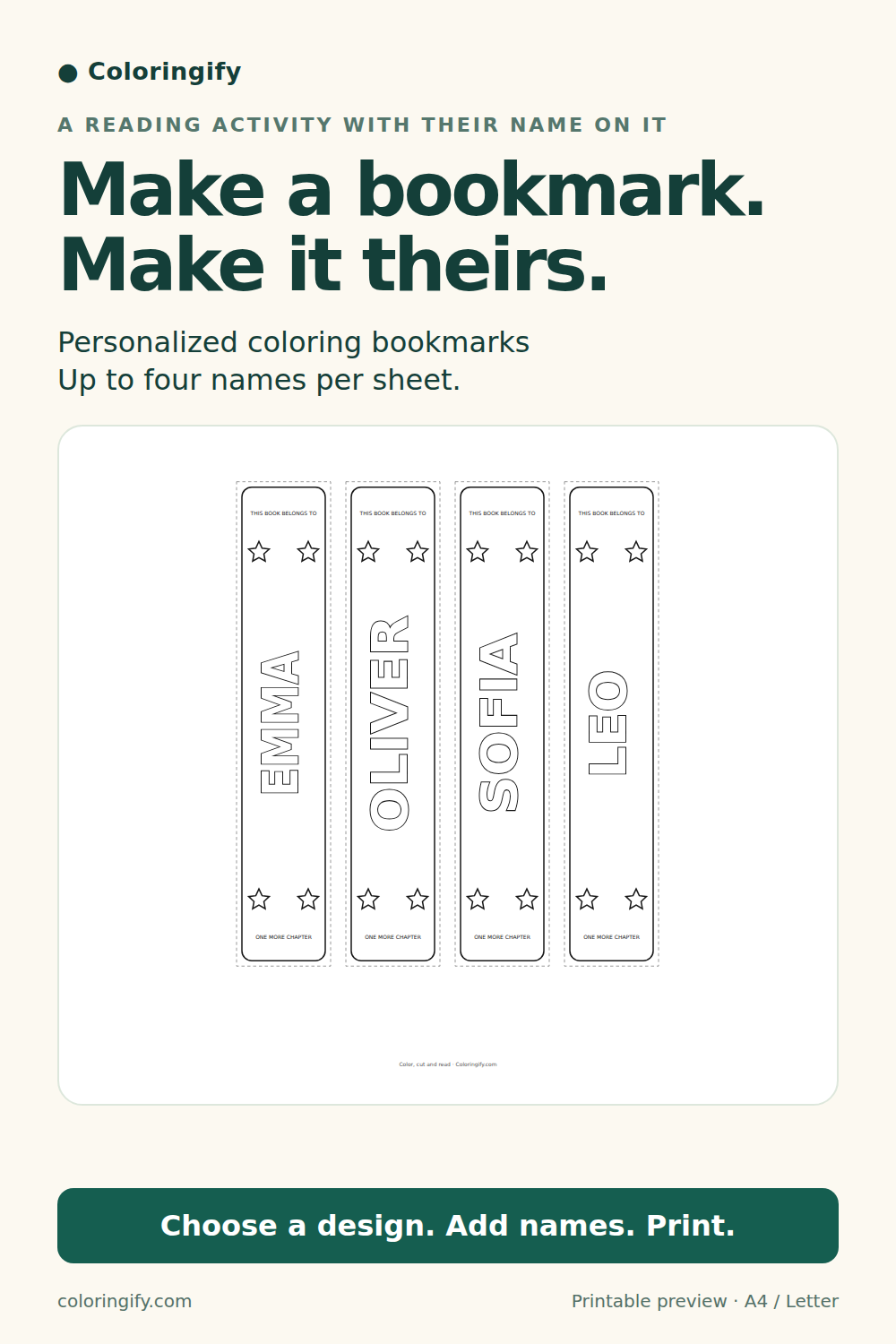
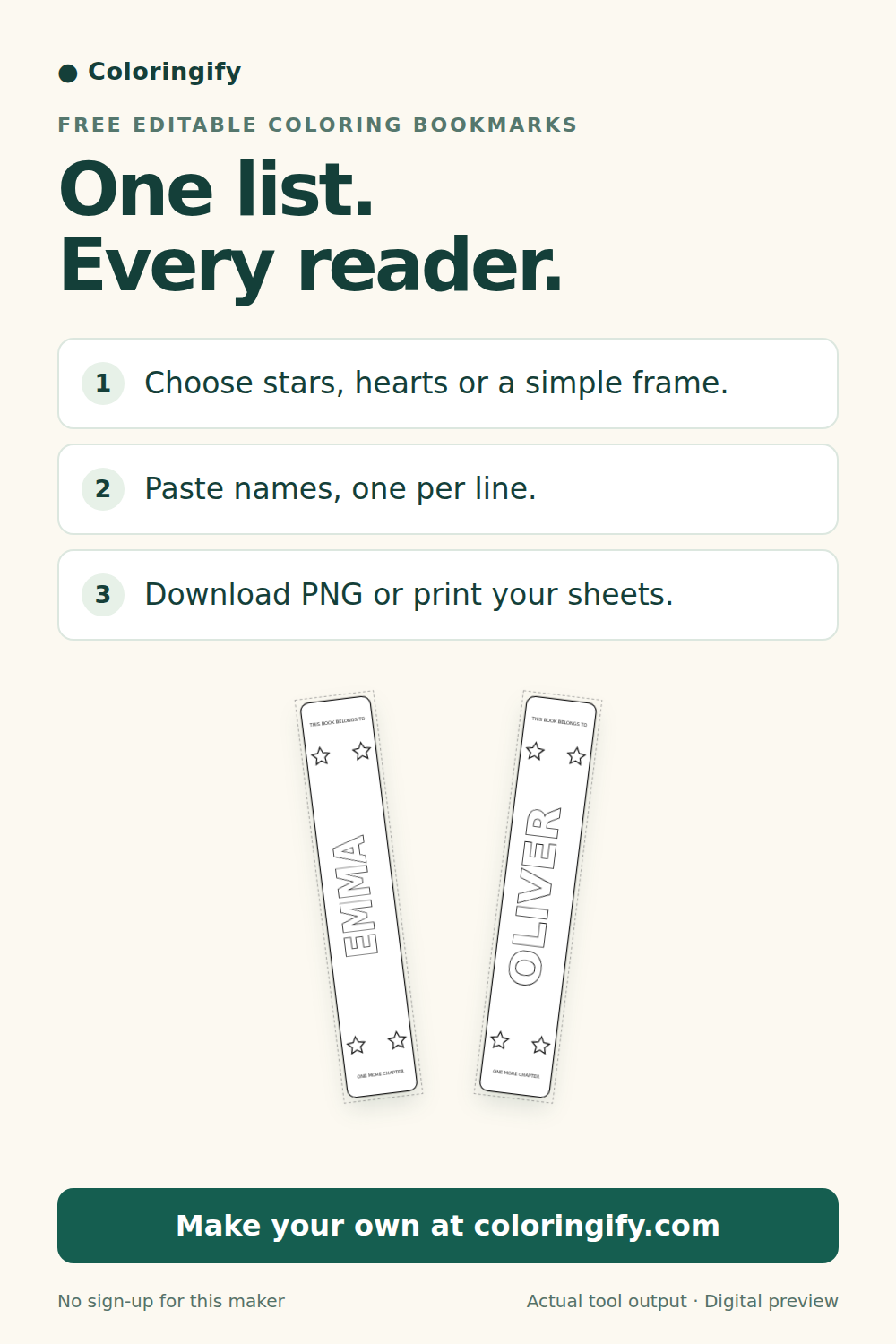
These two downloads are blank templates. To print your own outlined names, use the maker above and choose Print bookmarks → Save as PDF in your system dialog. The live maker also downloads individual sheets as PNG.
Why do my bookmarks look smaller or get cut off?
A paper mismatch, landscape orientation or scaling can change the result. Match the file’s paper size, choose portrait and inspect the full-page preview. If the preview still clips an edge, a Fit option may help, but it will resize the sheet. Our four-up name layout is tall and slim; it is not a fixed 2 × 7-inch commercial template.
Should I choose one-sided or double-sided printing?
Use one-sided printing for these sheets. They do not include a matching back or reading log. Duplex alignment depends on your printer and is a separate task; adding an unrelated back can leave the cut edges misaligned.
How can I print from my phone?
Save the matching PDF to Files or Downloads, open it in a viewer and use your phone’s Print or Share option when a compatible printer is available. Printer options vary. Check the page preview and paper setting; if the viewer cannot show the whole sheet, try a desktop PDF viewer.
PDF scaling reference: Adobe’s guide to Actual size and Fit.
Bookmark printing questions
Do you upload or save my name list?
The maker keeps names in your browser. If you choose the name-tag maker after downloading, a temporary handoff carries the list within this tab, is valid for one minute and is removed when the next maker loads. Names are not put in the URL or uploaded to our server. This is not a saved project.
Can I download a free PDF?
Yes. Download a blank star sheet in A4 or US Letter PDF. For your own names, choose Print bookmarks, then Save as PDF in your system print dialog and select the matching paper size.
Can I make a whole class set?
Yes. Paste one name per line. Each sheet holds four bookmarks; the last sheet only includes the remaining names. Blank lines are ignored and duplicates are preserved.
Will accents and other languages work?
Characters are preserved, but their visible shapes depend on your device fonts. Preview accented names and the exported PNG before printing. Very long names need smaller lettering.
Are these commercial font templates or branded characters?
No. The stars, hearts and frames are original geometric drawings, with lettering rendered using fonts on your device. No branded characters are included.