● ColoringifyA little less prep. A whole lot of color.
Classroom name coloring pages. A page for every name.
Make free classroom name coloring pages for your whole group. Paste your class list, choose a look, and print one personalized coloring sheet per name.
No sign-upNames stay in this browserA4 & US Letter
Make your class set
Each non-empty line becomes one page.
To save one PDF, choose “Save as PDF” in your browser’s print dialog. Match the selected paper size and turn off headers and footers.
This tool does not save your list. Copy it elsewhere before closing or refreshing.
Your class set
How to make classroom name coloring pages
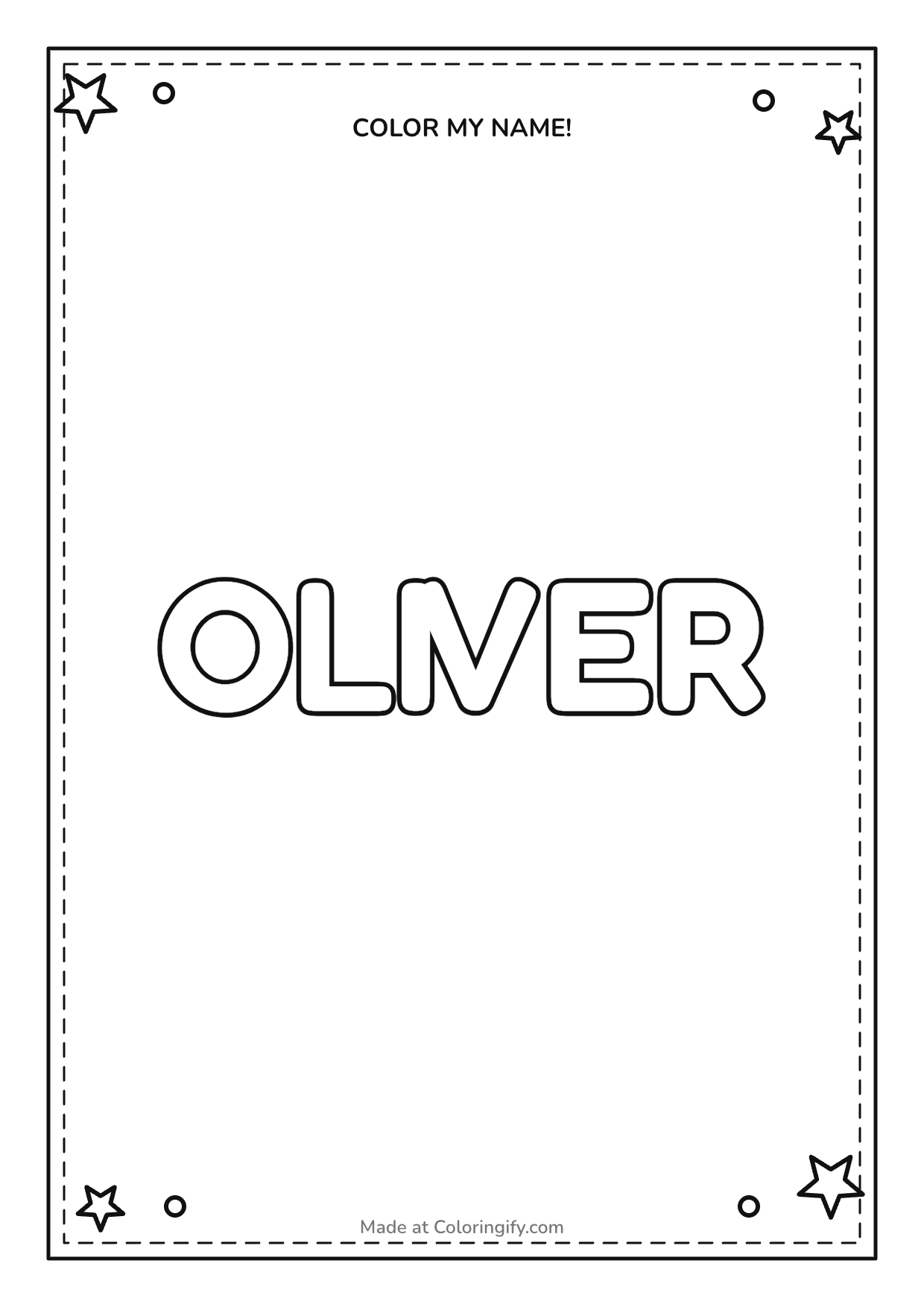
Classroom name coloring pages give every child a personal sheet while keeping your preparation in one place. Instead of changing a single name, saving it and starting again, paste your class list into the maker above. Each non-empty line creates a separate page with the same paper size, outline lettering and decoration. Check the complete set before you print, or download an individual PNG when you only need one replacement sheet.
This classroom name coloring page maker is a simple browser tool. It draws the names you enter; it does not generate portraits, photographs or themed character illustrations. Round and block outline letters, stars, hearts and a letters-only option are available. A different name goes on each page, so the result works as a personal coloring activity rather than a shared class roster.
Prepare the names
Put one first name or nickname on each line. Remove any headings copied from a spreadsheet, and check the spelling against your own class list. Blank lines are skipped. If two children have the same name, keep both entries: repeated names deliberately get separate pages.
Choose the page
Select A4 or US Letter to match your printer. Pick round or block outline letters, then choose stars, hearts or no decoration. The settings apply to the whole class set, which keeps a shared activity consistent without editing every page separately.
Review and print
Scroll through the preview and check every name. Choose Print class set to open the browser print dialog, or use the PNG button under a particular sheet. The print action prepares the complete current list, including repeated names.
Print a class set on A4 or US Letter
Choose the paper size in the tool before opening the print dialog. A4 is 210 × 297 mm; US Letter is 8.5 × 11 inches. In the browser dialog, use the same paper size and portrait orientation, and turn off browser headers and footers. Review the page count and the sheet borders in the preview before sending the set to a physical printer.
The intended layout is one name per sheet. If a printer adds larger margins, use its fit-to-printable-area option and check the preview again. Browser and printer settings can differ, so make a single test print when you are using an unfamiliar device. Ordinary copy paper is a practical starting point for crayons or pencils; choose paper and backing appropriate to your own pens and classroom materials.
To save the class set as a PDF, select Print class set and choose your browser or operating system’s Save as PDF destination. This is a print-dialog workflow, rather than a separate PDF-download button in the maker. It keeps the current paper choice and class list together in the document you save. Check the destination, paper size and page range before completing the print or save action.
If you only need one page, use that sheet’s PNG button. The image uses the selected paper proportions. Open the downloaded image and choose the matching paper when printing it later. For a different decoration or a second group, change the settings or replace the list and review the new preview before printing.
Name coloring activities for classrooms and groups
A first-day welcome
Place a name sheet at each seat, then let children choose their own colors. A consistent outline keeps the preparation simple while each finished page looks personal. Use the sheets as an introductory activity, or display them after checking your school’s approach to showing children’s names.
Notice the letters
Invite children to find the first letter, spot repeated letters or choose a color pattern for their name. Adapt the conversation to your group. The tool creates coloring outlines; it does not provide handwriting stroke order or a formal assessment of letter recognition.
A party coloring table
Paste the guest names and print a sheet for each place setting. For a themed activity, pair the name sheets with birthday coloring pages or dinosaur coloring pages. Each collection is a separate ready-made resource.
For mixed-age groups, try the letters-only option for a simpler page, or stars and hearts for extra areas to color. You can make smaller sets with different settings instead of expecting one design to suit everybody. If you are working with a library group, a club or a playdate, the same one-name-per-line process applies; a formal classroom account is not required.
Check the class list and keep names on your device
The class list is processed in your browser. It is not uploaded by this maker, stored in an online class account or inserted into a sharing URL. You do not need an account to create a set. The list is not saved by the tool, so keep your original elsewhere if you will need it again. Refreshing or closing the page resets the working list.
Use only the names needed for the activity. A first name, nickname or short classroom word is usually enough; you do not need to add email addresses, student identifiers or other records. Each name may contain up to 40 characters. Accents and non-English text are preserved, but the characters that actually display depend on the fonts available on the device used to preview and print.
Classroom name coloring pages FAQ
Can I make pages for the whole class at once?
Yes. Paste one name per line, then review the generated set. Each non-empty line becomes its own sheet. The paper, letter style and decoration settings apply across the set, so you can prepare a shared activity without repeatedly editing a single-name page.
Are these classroom name coloring pages free?
Yes. This local name-sheet maker has no sign-up or payment step. The separate photo-to-coloring service has its own Free and Pro features; using this class-list tool does not start a paid image-generation request.
What happens when two students have the same name?
Both entries are kept. The preview reports repeated names and creates a separate page for each entry. Check the number of sheets against your own list before printing, rather than removing a duplicate that may belong to a different child.
Can I download a PDF instead of printing on paper?
Open Print class set and choose Save as PDF in the browser or system print dialog. Match the selected A4 or Letter paper and review the page count. Individual sheets also have a PNG button for image download.
What should I check if a name looks crowded?
Check for extra spaces or a long phrase copied into the list. The maker adjusts the lettering to the available line. A shorter first name or nickname can leave more coloring space; review the actual preview before choosing which version to print.
Can I use a single name instead?
Yes. Enter one line in this maker, or use the editable name coloring page generator for the original single-name workflow. That tool also provides its own lettering and decoration choices.