Trees and presents
Two decorated trees and wrapped gifts sit below the outlined name. Wide areas give room for crayons, while the tree baubles and ribbons add smaller shapes for extra colors.
Create a free Christmas name coloring page with your own name in big outline letters. Pick a scene of trees and presents, hanging ornaments or snowflakes, then download a PNG or print on A4 or US Letter. No signup, email or payment needed.
Up to 40 characters. First names and nicknames work well. Letters appear in uppercase.
PDF uses Save as PDF in your browser’s print dialog. Match the selected paper size.
The maker creates the page on your device. You do not need to upload a photo, install an app or leave an email address. To prepare another person’s page, change the name and download again. Check each file before printing a family or group set.
Two decorated trees and wrapped gifts sit below the outlined name. Wide areas give room for crayons, while the tree baubles and ribbons add smaller shapes for extra colors.
Round ornaments hang above and below the name. Try stripes on one bauble, dots on another and your own patterns in the open spaces. The lettering stays in the center of the page.
Snowflakes surround the name with a lighter winter border. Choose Happy Holidays for a winter-themed version, or keep Merry Christmas at the top of the sheet.
All three designs use original black outline shapes on white paper. They are ready to color rather than already filled in. The designs do not include licensed cartoon characters or an AI-generated portrait. Changing scenes changes the artwork as well as the page title.
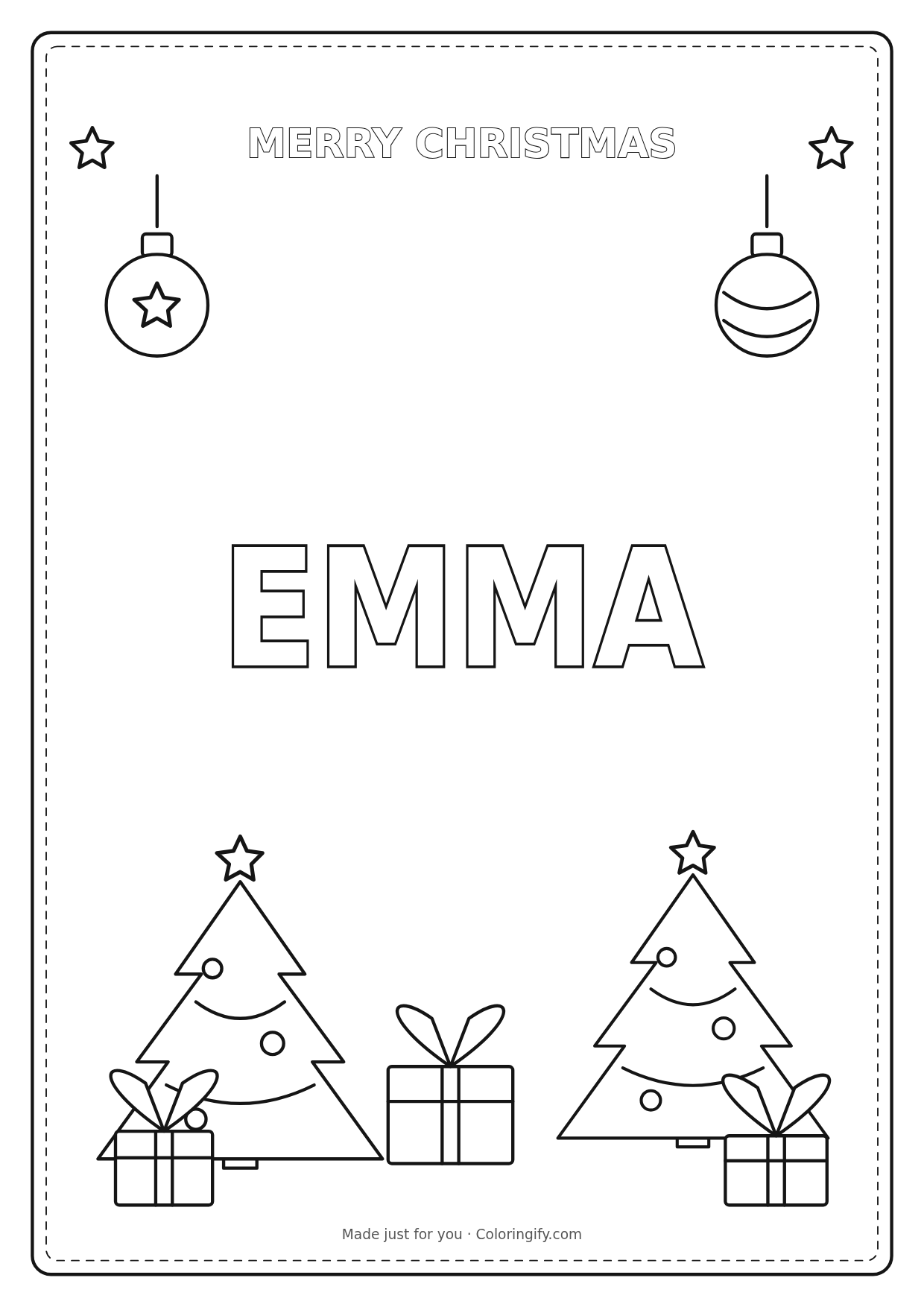
This example is actual output from the maker using Emma, Merry Christmas and A4. Click the image for the ready-made PNG, or edit the name above to create your own version. The full-size output is 1240 × 1754 pixels on A4 and 1240 × 1605 on US Letter.
The printable example is public; the name you type into the maker is not published as a new page or included in a sharing link. A PDF version of your own design comes through your browser’s print dialog.
Prepare a small coloring station at a family gathering: one personalized sheet for each person, a shared pot of crayons and a space to display the finished pages. Everyone can choose different colors even when they start with the same scene. Write a short message on the back before giving the finished sheet to a relative.
For a classroom activity, let children check their printed names before coloring. The big outline letters can become part of a letter-recognition conversation: find the first letter, count repeated letters or compare a name with a friend’s. The maker produces one page at a time. If you need a whole list in one operation, the classroom name coloring pages maker provides batch sheets with stars, hearts or plain decorations instead.
For smaller pieces on a party table, use the six-per-sheet name tag maker. For an everyday version with different lettering styles, try the editable name coloring page generator. You can also pair the holiday activity with a dinosaur coloring sheet or use the photo to coloring page tool for a separate photo-based activity.
Match the maker’s A4 or Letter setting to the paper in the printer and review the system print preview. The design uses a white margin to keep the outlines away from the sheet edges. Browser scaling, printer margins and an incorrect paper selection can change the final size. If the preview splits into two pages, check the paper size, turn off headers and footers and use the print dialog’s fit option.
A short name leaves the largest spaces to color. Longer names shrink to fit the line. If the letters look too narrow, try a familiar nickname rather than adding more words. Accents and non-English characters are preserved, but the exact letter shapes depend on the fonts installed on your device. Check the downloaded PNG as well as the preview before making multiple copies.
Yes. Changing the name, scene, greeting and paper size, downloading PNG and using print are free. This maker does not require signup, an email address or a Pro purchase.
Yes. All three scenes use the name in the input box. Type a different name and the preview updates. The name must contain between 1 and 40 characters after extra outside spaces are removed.
Click Print / Save PDF and choose Save as PDF in the browser or system print dialog. Match the paper size and check the one-page preview. The tool’s download button exports PNG, not a direct PDF file.
Yes. Select Happy Holidays in the greeting menu. You can use it with any of the three scenes; the snowflake frame is the simplest winter-themed option.
The maker draws the name locally in your browser. It does not upload the name or save your working design to an online account. Refreshing or closing the page resets the input.
Change the name and download each child’s Christmas page in turn. This Christmas maker edits one name at a time. The separate classroom maker can process a list, with its own everyday designs.
You can print and share finished sheets for personal, family and classroom activities. This page does not grant a license to resell the template or imply a connection with a school or another brand.